

See who’s online
The workspace switcher shows who in your organization is online and which project each person is in — click someone to jump into their project. Inside a project, an avatar stack in the top bar lists every active session, whether each person is Editing or Observing, and which view they’re using (2D, 3D, or Split). Every collaborator gets their own color, used consistently for their avatar ring, cursor, selection, and camera.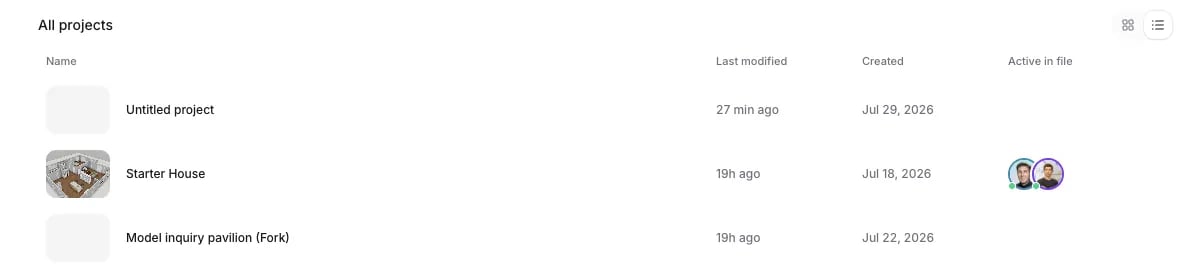
The project list shows who's active in each file
Follow a teammate
Click a collaborator’s avatar to follow them: your view glides to their camera and stays with it, with a colored border marking that you’re following. Take back control at any moment — moving your own camera exits follow instantly.Cursors, selections, and previews
On the 2D floorplan, everyone working on the same level sees each other’s cursors moving in real time. Whatever a teammate selects is outlined in their color, and while they draw or place something — a wall, a door, an item — you see a live ghost preview of it before they commit. No surprises when the real thing lands.Edit at the same time
There’s no locking and no taking turns: everyone edits at once, and changes merge in the order the server accepts them. When a teammate places, moves, or deletes something, a brief highlight in their color marks where it happened.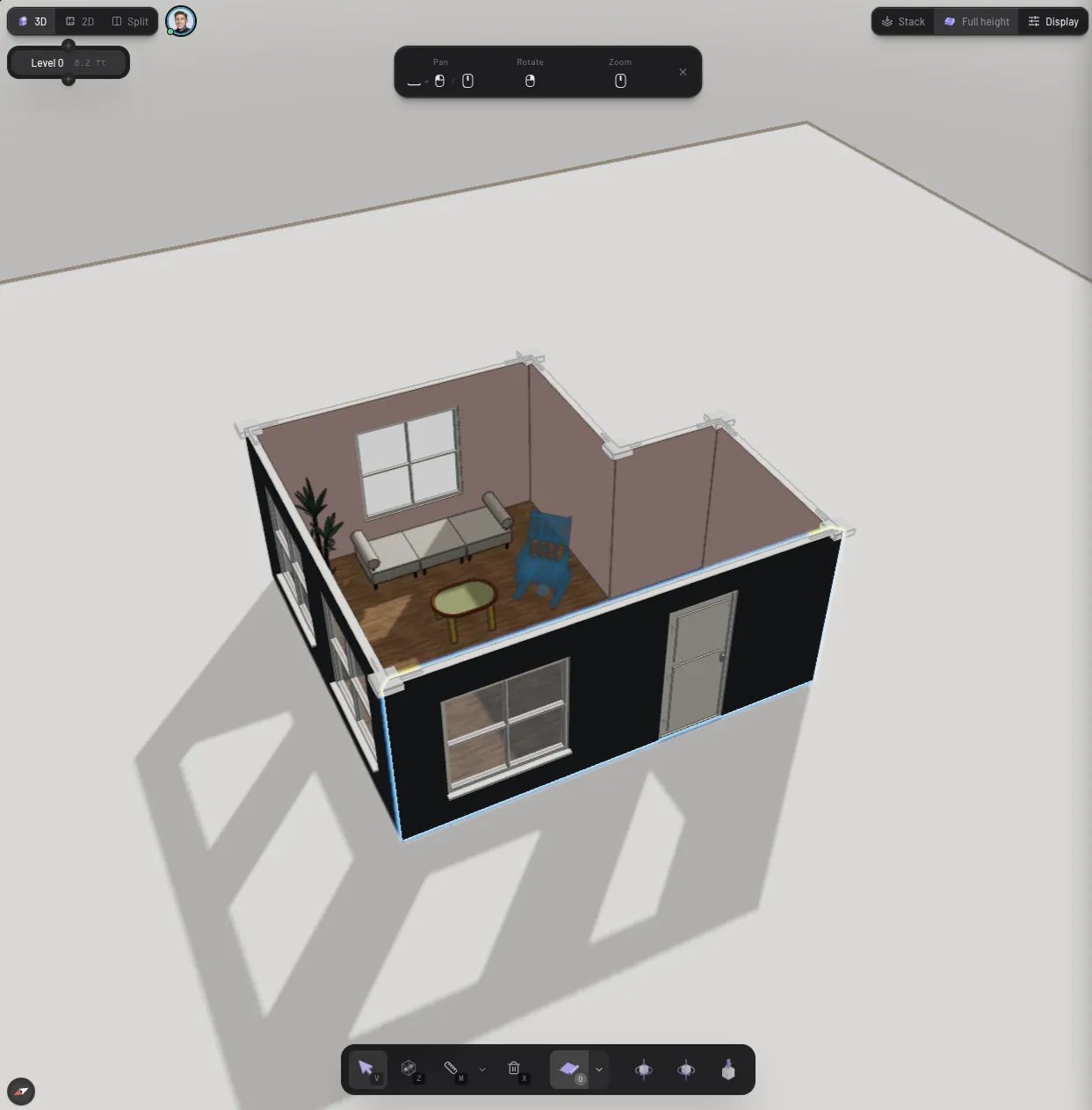
A teammate building live — their work shows up in their color
- Undo stays personal.
Cmd/Ctrl + Zonly undoes your own changes, never a teammate’s. - Bad connections are fine. Your edits stay visible locally and are retried when you’re back online; reconnecting catches you up on what you missed.
- Not everything is collaborative yet. Live co-editing covers the core building and furnishing workflow; a few operations are still being brought over.
One AI chat per project
The AI assistant is shared too: an organization project has a single chat thread that every collaborator sees. Typing indicators show who’s writing, the assistant’s replies stream live for everyone, and one request runs at a time — if a teammate beats you to it, your draft stays put until the run finishes. Starting a New chat starts it for everyone.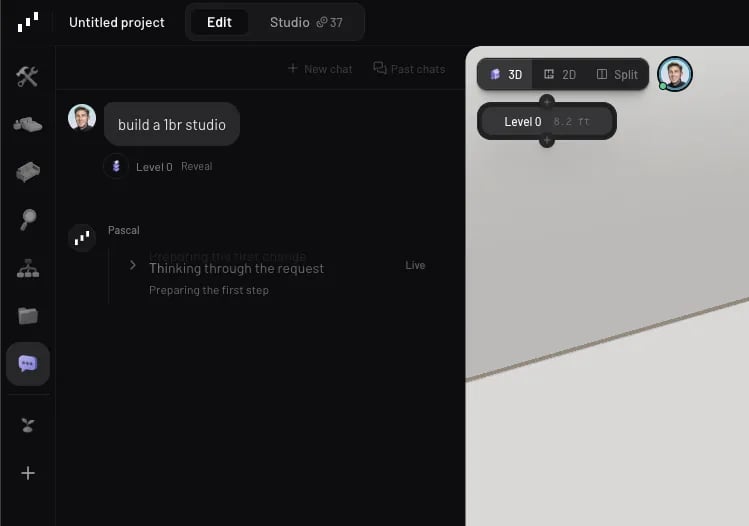
A shared AI chat in a team project