

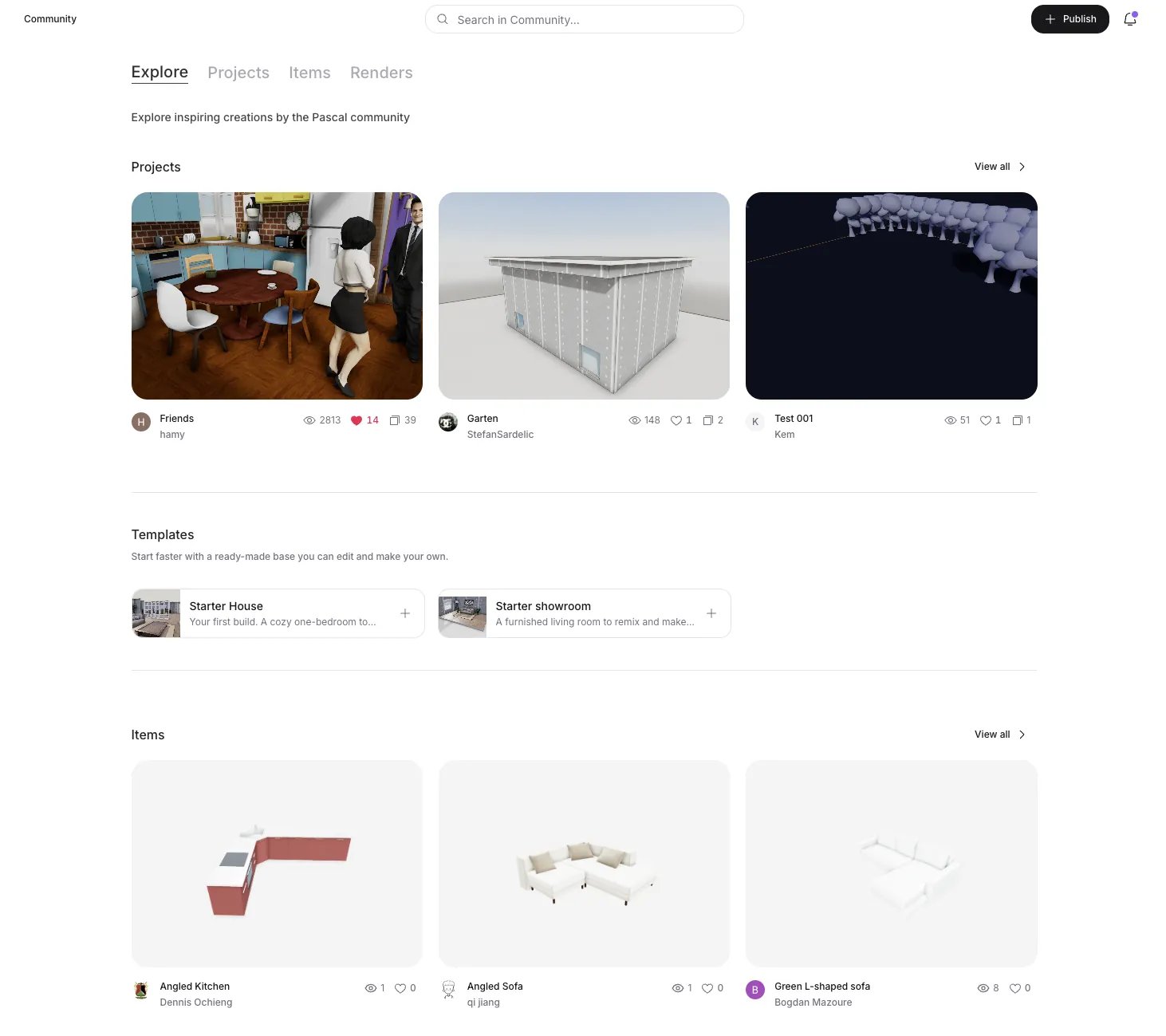
Browsing the community hub
Projects
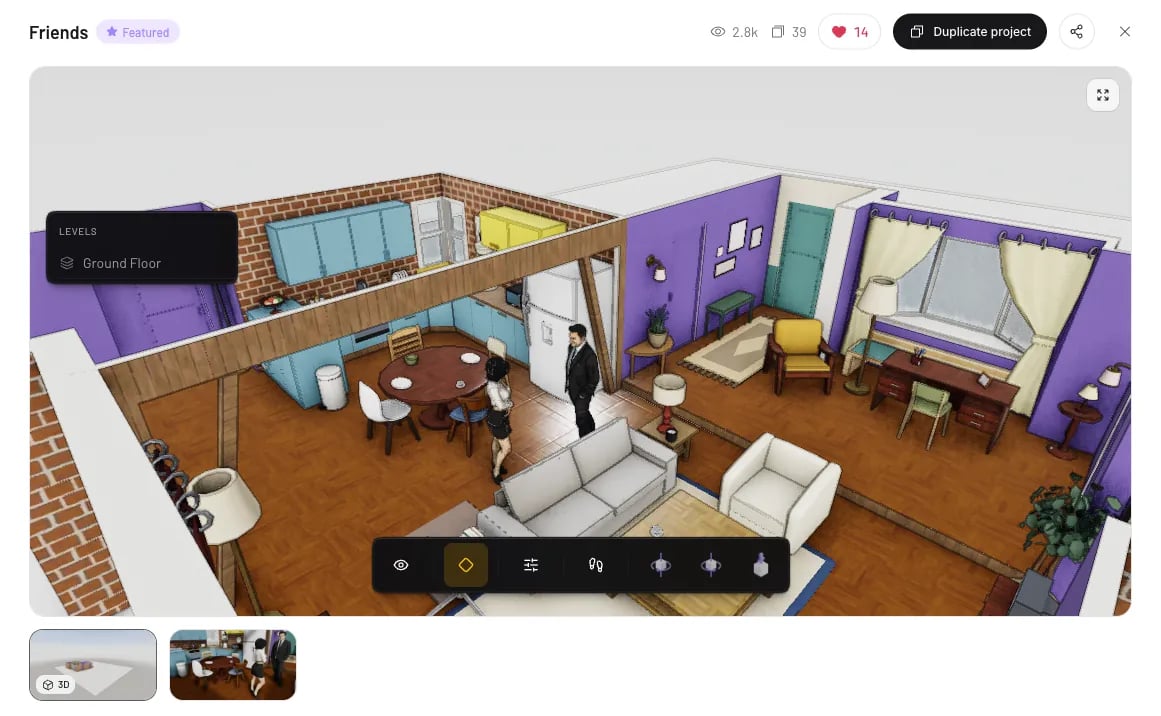
The Projects tab lists every published project. Filter with the category chips — plus Featured, a hand-picked selection — search from the top bar, and sort by Most viewed (the default), Most liked, or Newest. Click a card to open the project’s Community page: an interactive 3D model you can orbit right on the page (expand it with Open in full viewer), the maker’s attached render gallery, a description, and the project’s view, like, and duplicate counts. From there you can like, comment, Follow the maker, or duplicate the project. A “More like this” row keeps you browsing.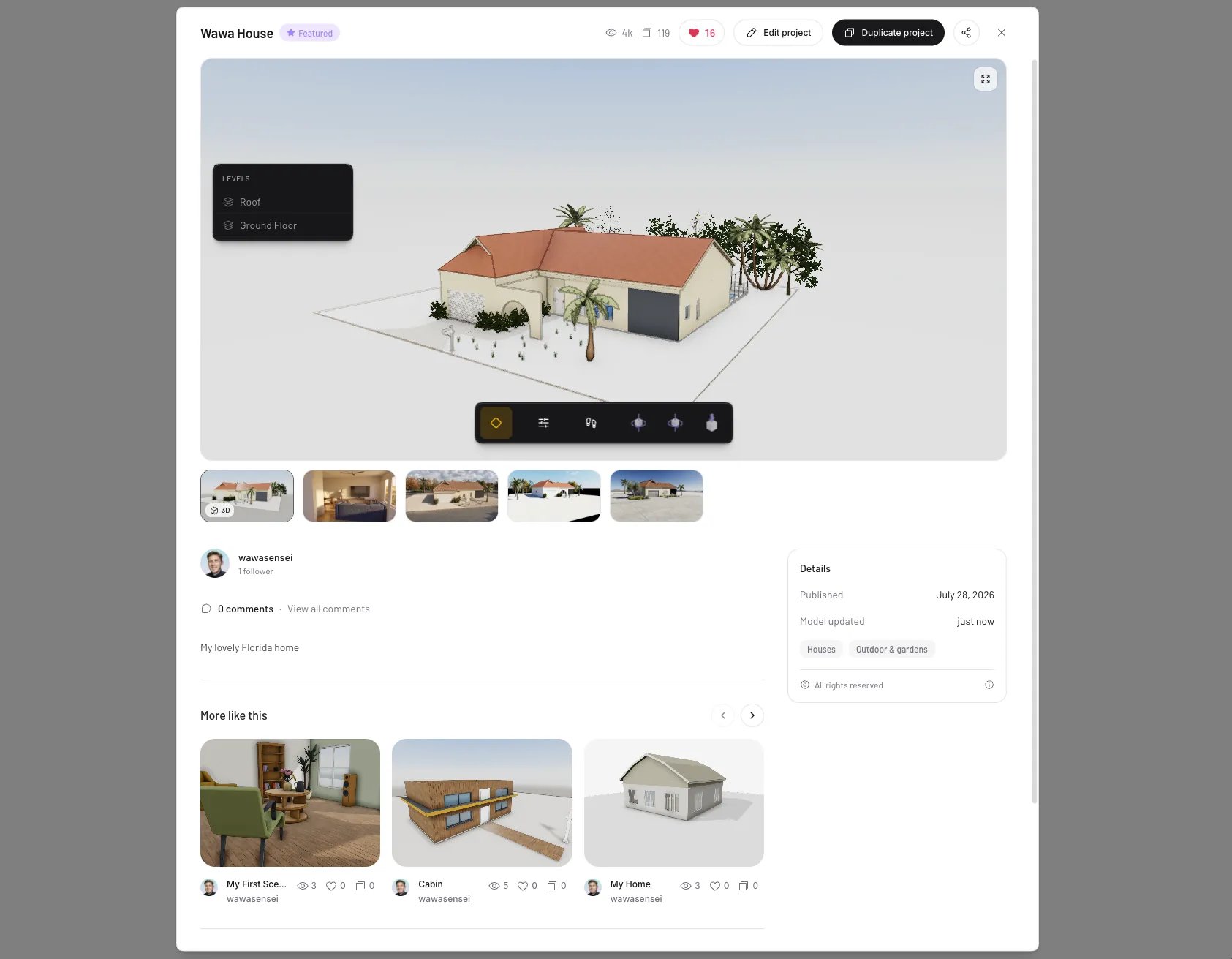
A project's Community page
Items
The Items tab collects furniture and objects shared by the community, alongside pieces from the Pascal catalog. Each item opens with an interactive 3D preview, its dimensions, and comments. To use one in your own scene, just search for it in the editor — published items show up in item search for everyone.Renders
The Renders tab is a feed of render galleries — images and videos made with Pascal Studio. Filter by style with the chips, and open a post to flip through its gallery, like it, or join the comments.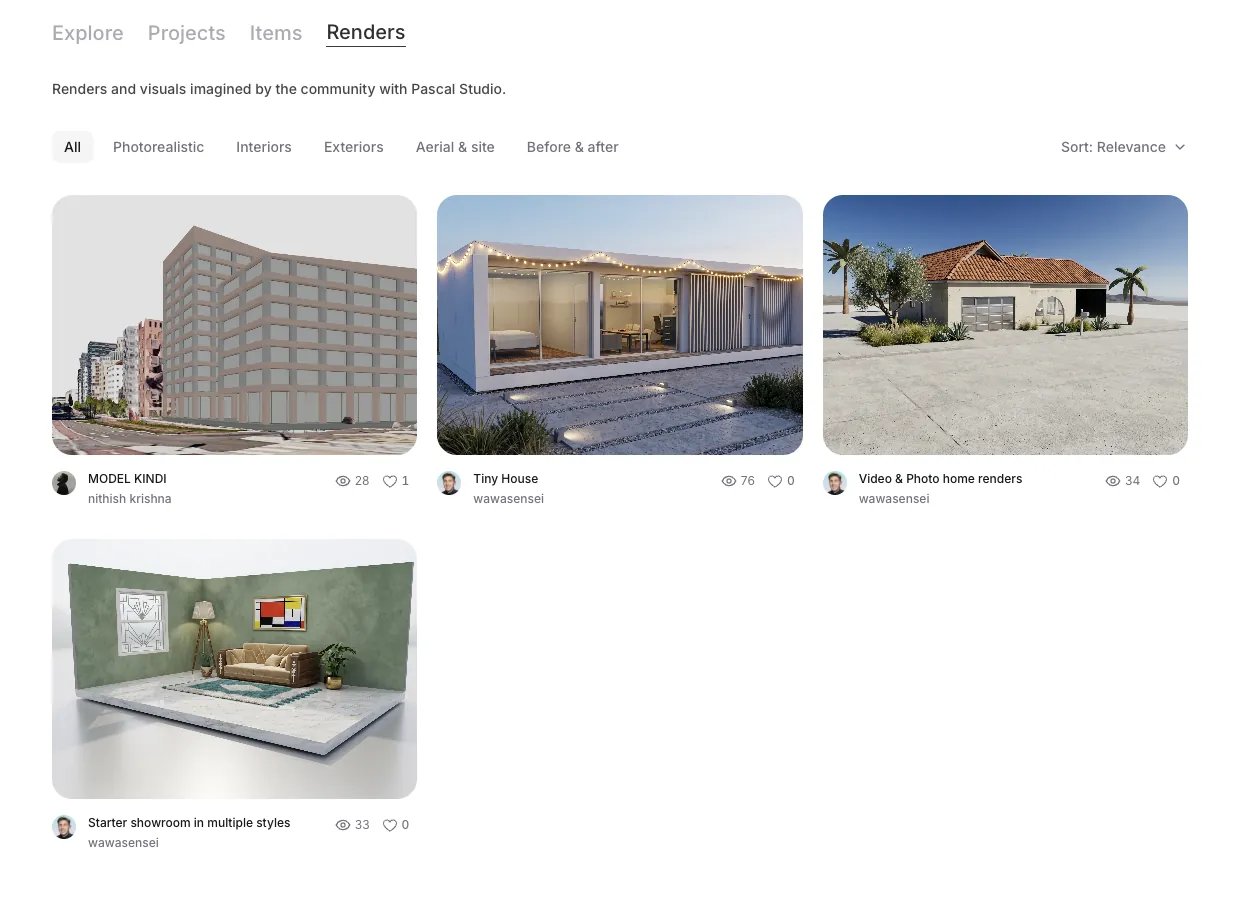
Render galleries from the community
Profiles
Every username links to a public profile ateditor.pascal.app/u/<username> with the
maker’s avatar and tabs for their Public projects, Renders, Items, and
Likes. Follow a maker to keep track of them; your own profile fills in
automatically as you publish your work.
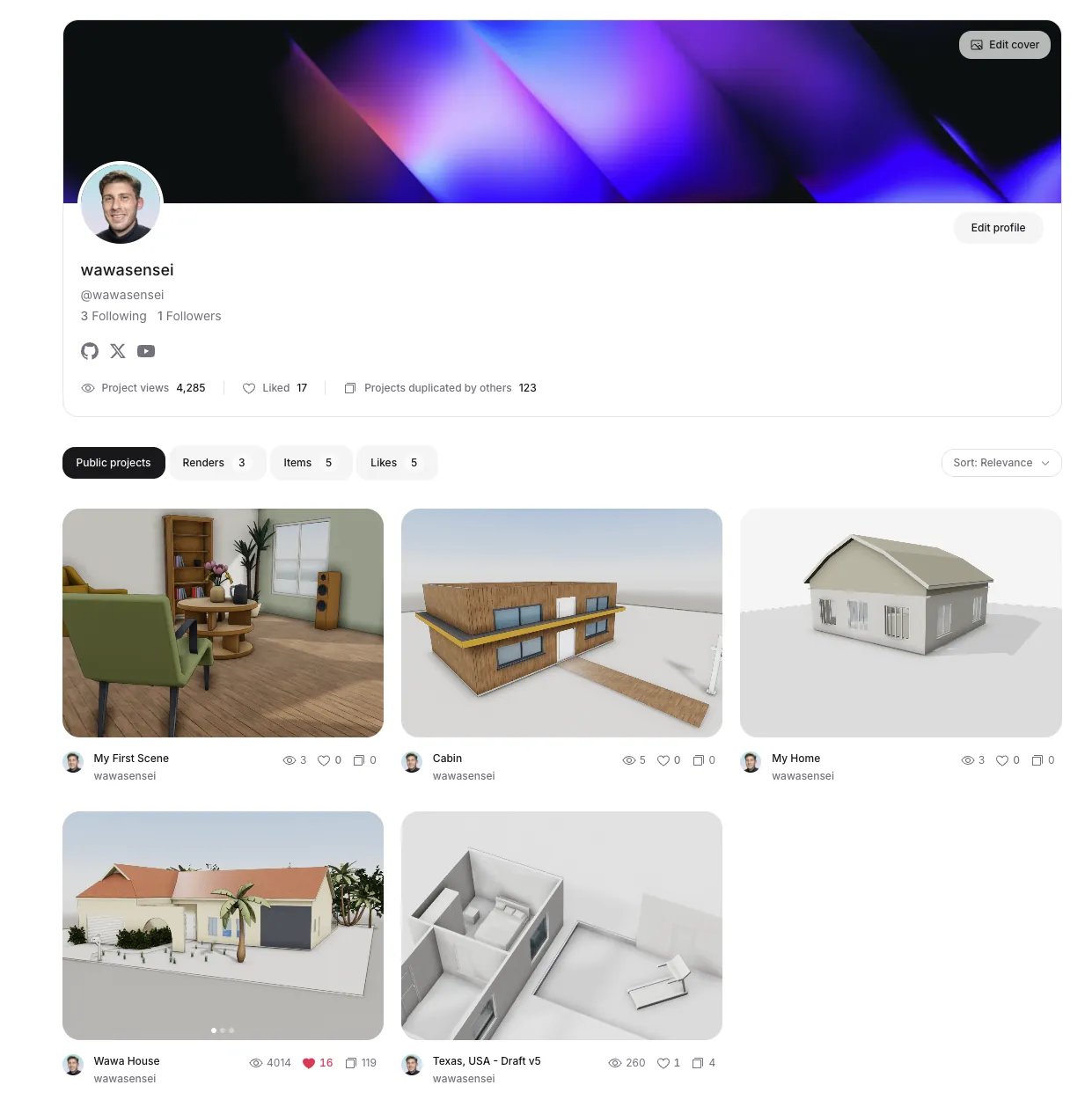
A maker profile
Like and comment
Click the heart on any project, item, or render post to like it — click again to unlike. Likes feed the Most liked sort, so they’re how the community surfaces its favorites. Comments are open on all three content types. When someone likes or comments on your work, the bell in the hub’s top bar lets you know.Duplicate a project
Open a project’s Community page and click Duplicate project to use it as a starting point. Duplicating copies the scene into a new private project of your own and drops you straight into the editor to make it yours. A few things to know:- Duplicates start private; the original owner keeps their project untouched.
- The original’s scans and floorplan guides are not copied — you get the design itself.
- The duplicate counts toward the original project’s duplicate count, credit where it’s due.
- Makers choose whether duplication is allowed when they publish, so not every project offers it.
Duplicating a community project