

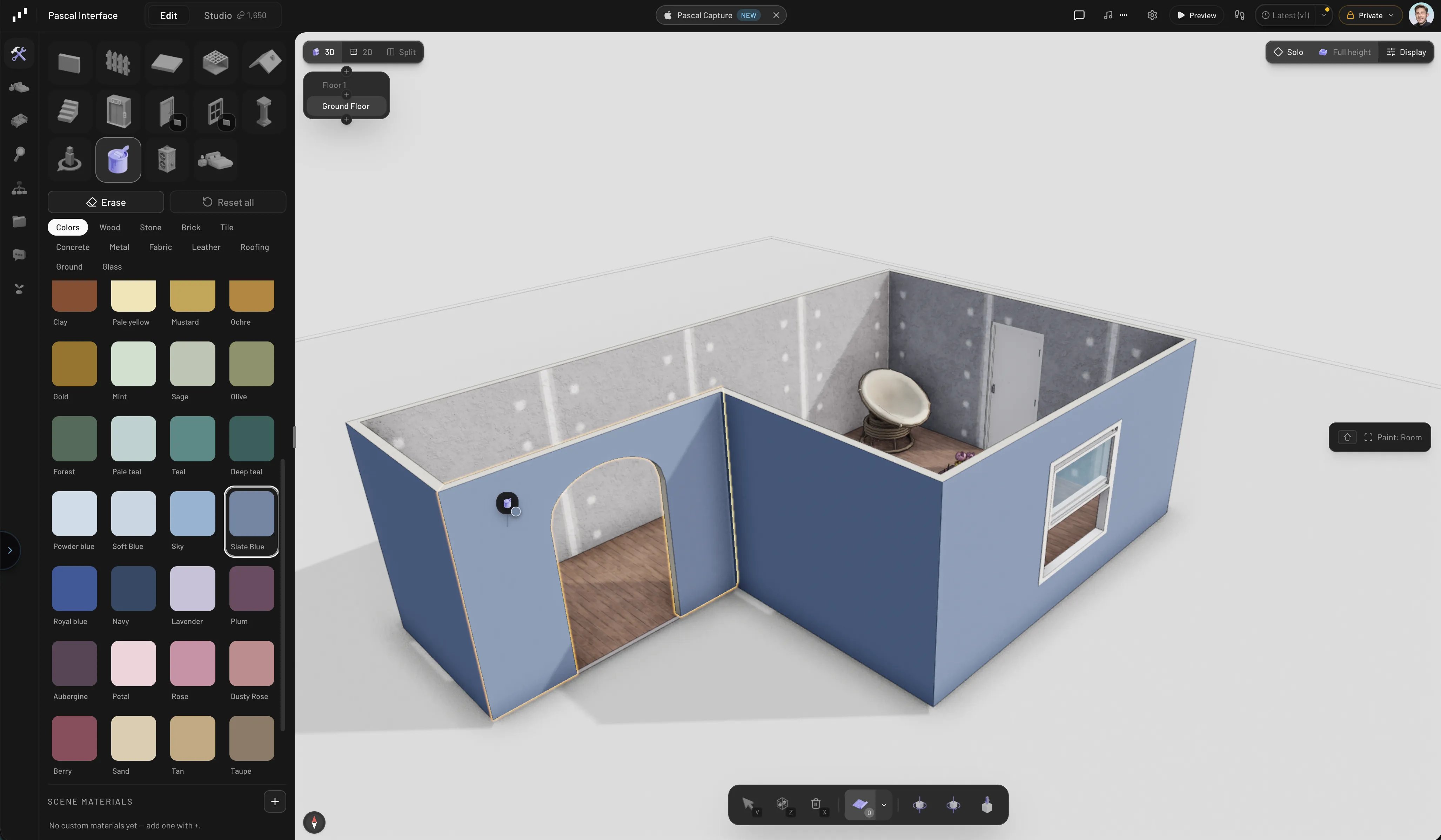
Painting surfaces in Pascal
Entering paint mode
Three ways in:- Open the Build tab in the sidebar and select Painting.
- Press
P. If something is selected, its current material is picked up as your brush — handy for reusing a finish you’ve already applied. - Search for Material Paint in the command palette.
V (or Esc) to return to the select tool. Every paint action is undoable
with Cmd/Ctrl + Z.
The material catalog
The paint panel groups materials into category tabs:
Selecting a category loads its first material as your brush right away, so you can
start clicking surfaces immediately.
If the catalog doesn’t have your exact finish, the New material tile at the front
of the grid jumps to Material Studio, where AI generates one
from a text prompt or a photo — your generated materials then live in the catalog’s
Mine tab, and community-shared ones in Community.
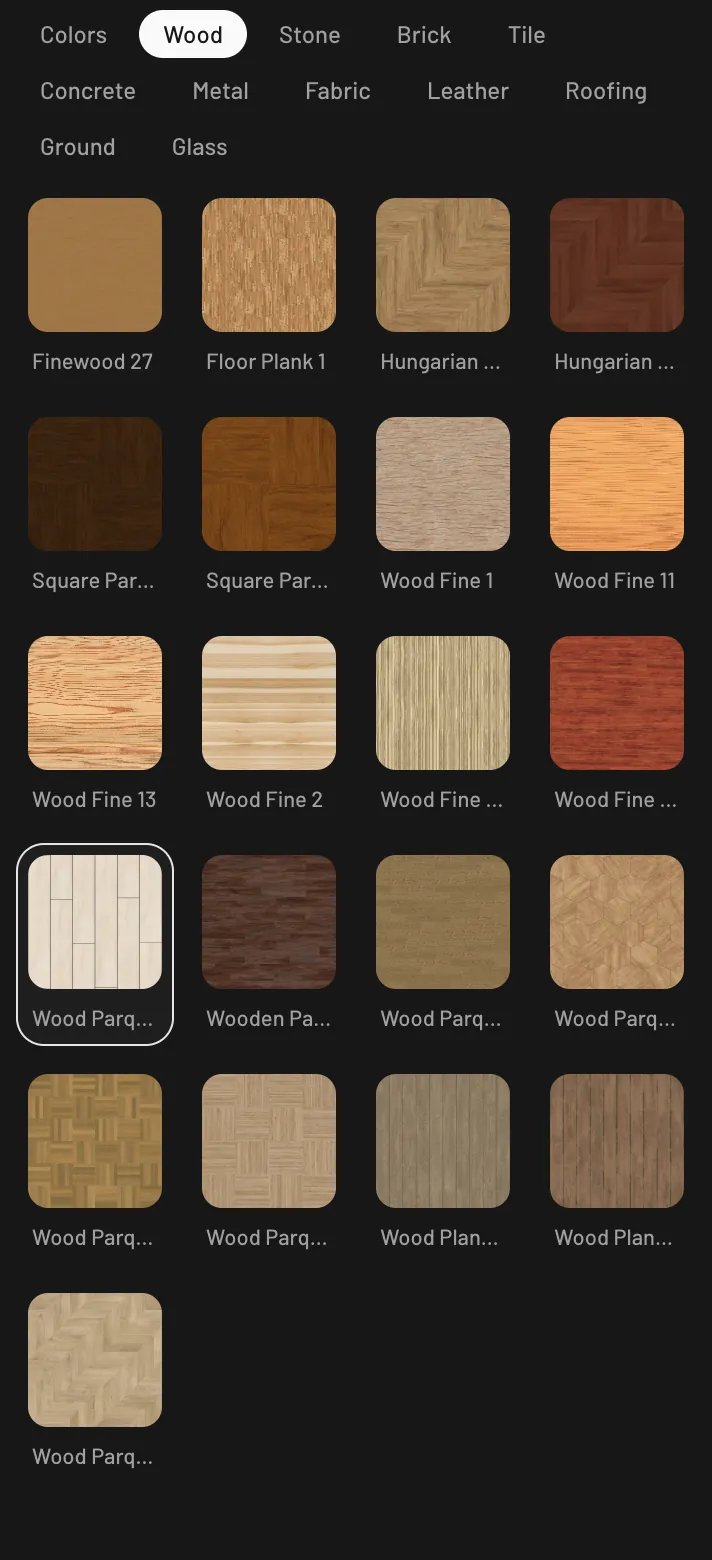
The material catalog
Painting a surface
Pick a material, then click any surface in the scene. The helper chip walks you through it: Select a material to paint, then Hover a surface to paint. Surfaces are painted individually, so you have real control:- Walls have separate Interior and Exterior faces — paint the inside of a room without touching the facade.
- Floors split into Top and Sides.
- Ceilings are a single surface.
- Stairs split into Treads, Body, and Railing.
- Items are painted per part — click a chair’s seat to recolor just the seat.
Paint scope
By default one click paints one surface — the chip names the part you’re hovering. PressShift while hovering to cycle through wider scopes (each surface offers the
ones that make sense for it):
- Whole object — every surface of the hovered element or item at once (shown as Whole wall, Whole shelf, and so on).
- All matching — the same part on every copy of that item in the scene. Repaint all twelve dining chairs in one click.
- Room — for walls and floors: every wall and floor surface bounding the room under the cursor.
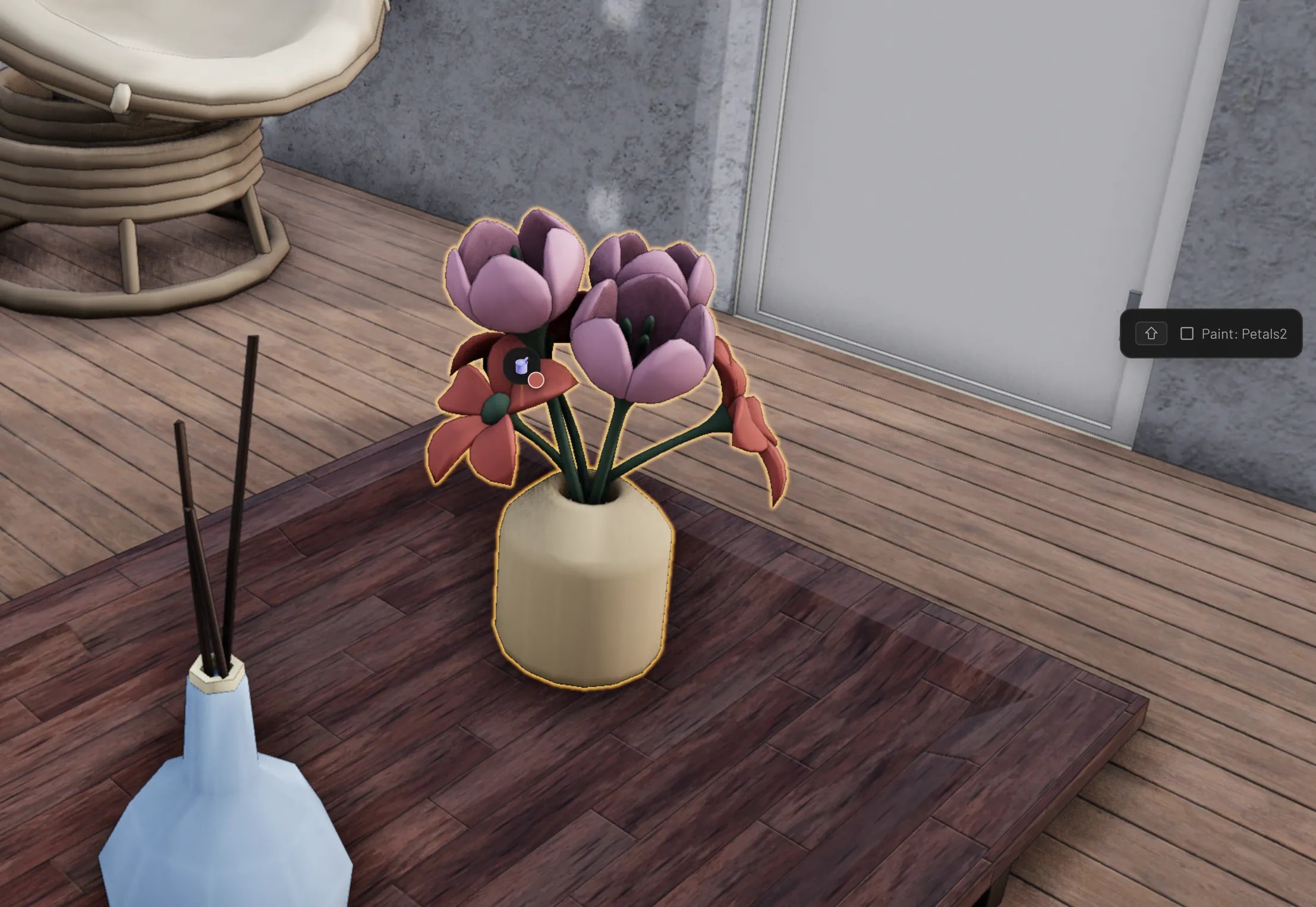
Cycling paint scope with Shift
Erasing and resetting
- Erase — toggle the eraser at the top of the paint panel, then click a painted surface to return it to its default material.
- Reset all — with an element selected, strips every applied material from it in one go.
Custom materials
Below the catalog, the Scene materials section holds materials you create for this scene. Click Add material (+) to make one, then tune it:
- Color — a free color picker with a hex value field, so you’re not limited to the 45 presets.
- Roughness, Metalness, Opacity — sliders from matte plaster to polished mirror to tinted glass.
- Side — render the material on the Front, Back, or Double (both) sides of a surface.
Watch it in action
Paint and customize your home — colors, textures, and materials